Hewlett-Packard · Print queue management · 2019–2021
Printer Interface
project impact
↓ 78%
Reduction in errors when creating a print queue
↓ 42%
Less time needed to set up a queue
↓ 23%
Drop in related support calls

Client
Hewlett-Packard
Team size
1 Lead engineer · 1 Product Manager
2 Front end devs · 2 Back end devs
My role
Interaction Designer
tools
Axure RP9 · Adobe XD · Jira
phase 00
Context & challenge
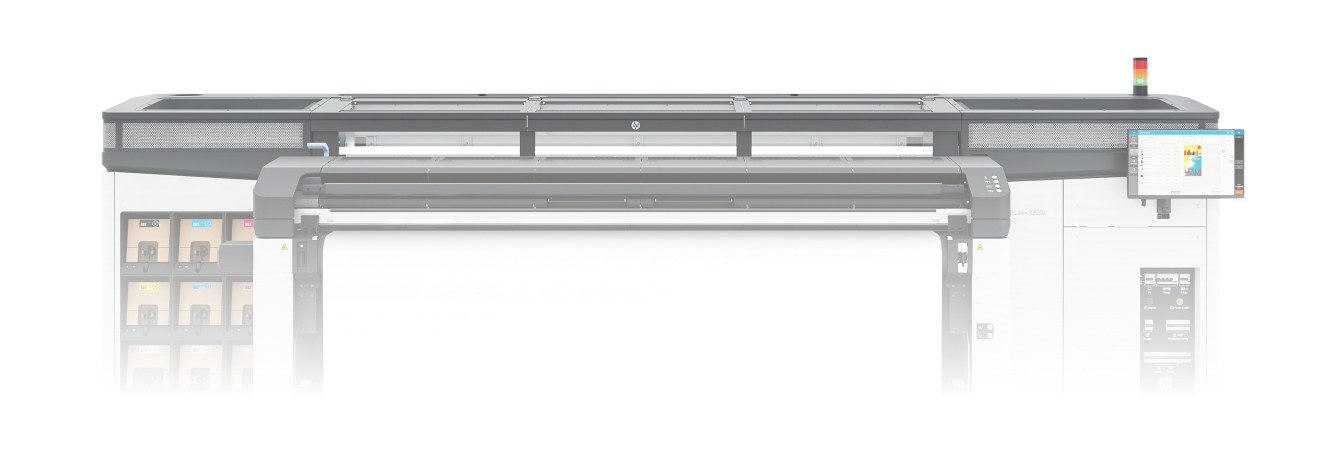
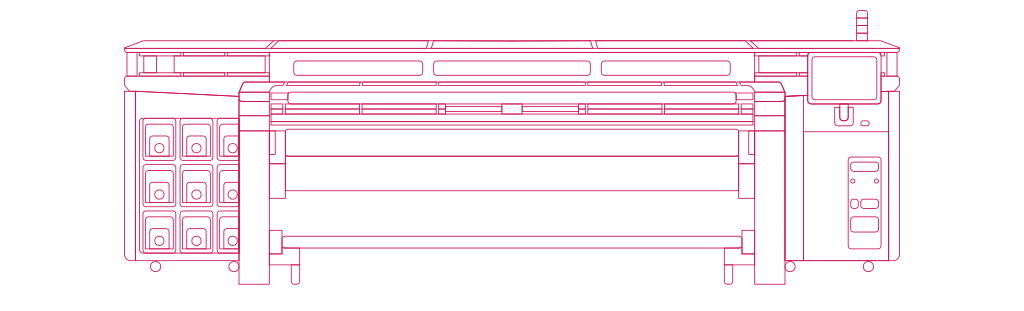
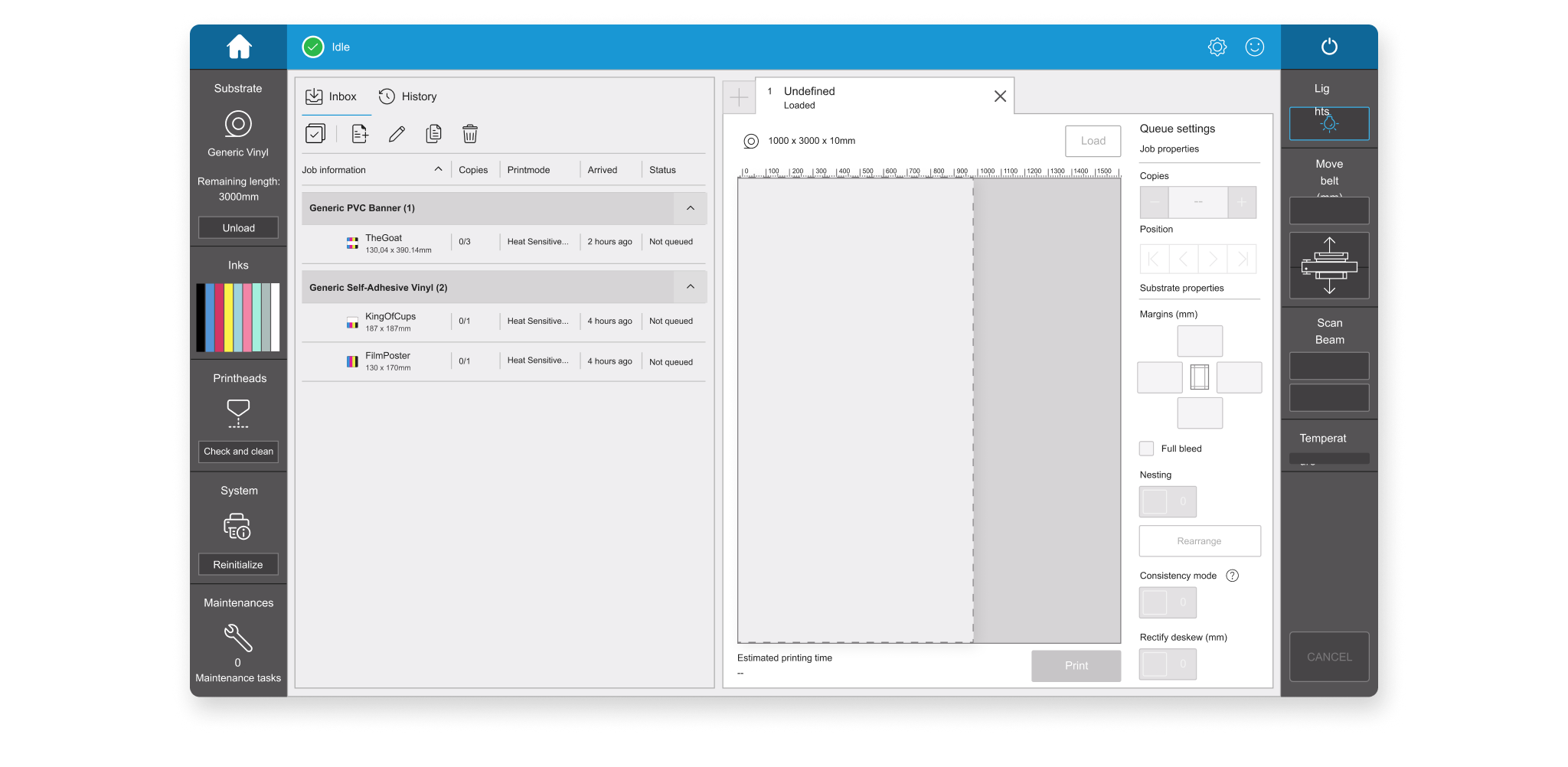
On the HP Latex R2000, operators manage print queues directly from the printer’s 15-inch screen — arranging files, matching them to the right substrate, and setting up how jobs run one after another. It’s one of the most common tasks on the machine, but the interface made it harder than it needed to be.
The screen didn’t clearly show how files were positioned across the substrate, so operators couldn’t easily tell if a layout made sense before printing. Warnings about mismatches between files, printer settings and substrate showed up without much context, so it wasn’t always clear what was wrong or what to do about it. And when multiple queues were chained together, operators couldn’t tell whether the printer would keep going on its own or needed them to step in — or how long they had before that happened.
“How might we help operators set up and manage print queues with confidence — knowing what the printer needs from them, and when, without guessing?”
Phase 01
Research & Discovery
Before designing anything, I spent time in HP’s test lab working directly with the printers, and joined stakeholder sessions and customer visits to see how operators actually used the queue and substrate tools day to day.
Insight 1: Operators often couldn’t tell why a warning appeared, which made it hard to know whether — or how — to react.
Insight 2: There was no clear way to know when the printer would need manual action versus keep printing unattended, so operators couldn’t plan their time around it.
Insight 3: Rearranging files to make better use of the substrate, and figuring out how much substrate a queue (or several queues) would need, both relied on manual guesswork.
Phase 02
Ideation & validation
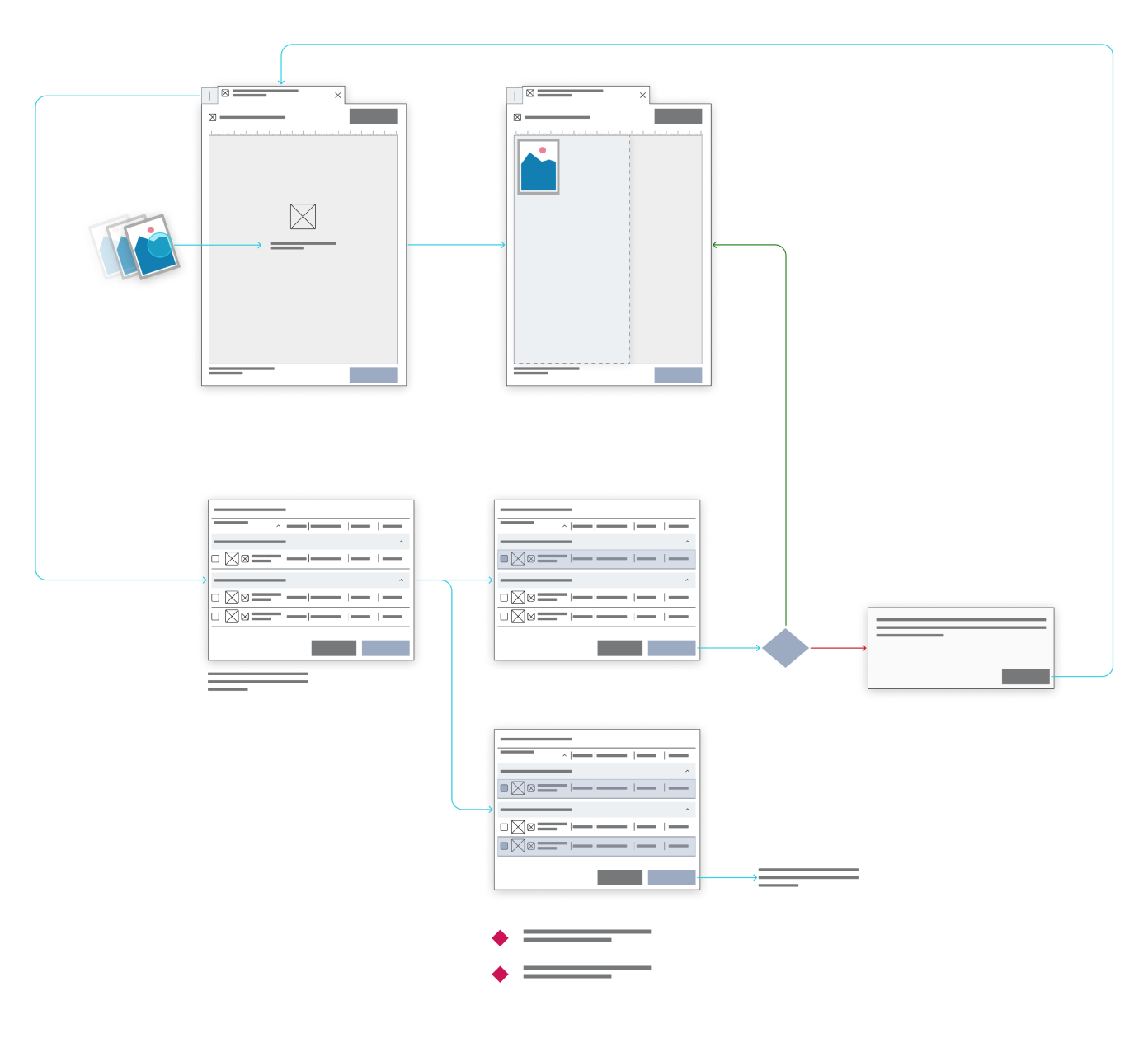
With the problems mapped out, I moved into building and testing possible solutions for the queue flow. Early concepts were built as interactive Axure prototypes and tested directly in HP’s lab, where operators could try them out on real printers rather than just on screen. This made it possible to check not only whether the new flow made sense on paper, but whether it actually worked the way operators expect when running a printer day to day. It took two rounds of iteration to get there — particularly around making the “chaining” behavior between queues clear.
Hypothesis Tested
Redesigning the queue creation flow — with clearer file placement, warnings tied to specific issues, and explicit points where the printer needs manual action — would reduce errors and cut down setup time.
WHAT WE LEARNED
Testing Axure prototypes in HP’s lab, on real printers, confirmed the direction was right, but it took two rounds of iteration before operators felt confident with it. The first version still left the “chaining” behavior — when the printer needed them versus when it didn’t — unclear.
Phase 03
UI Definition & Solution
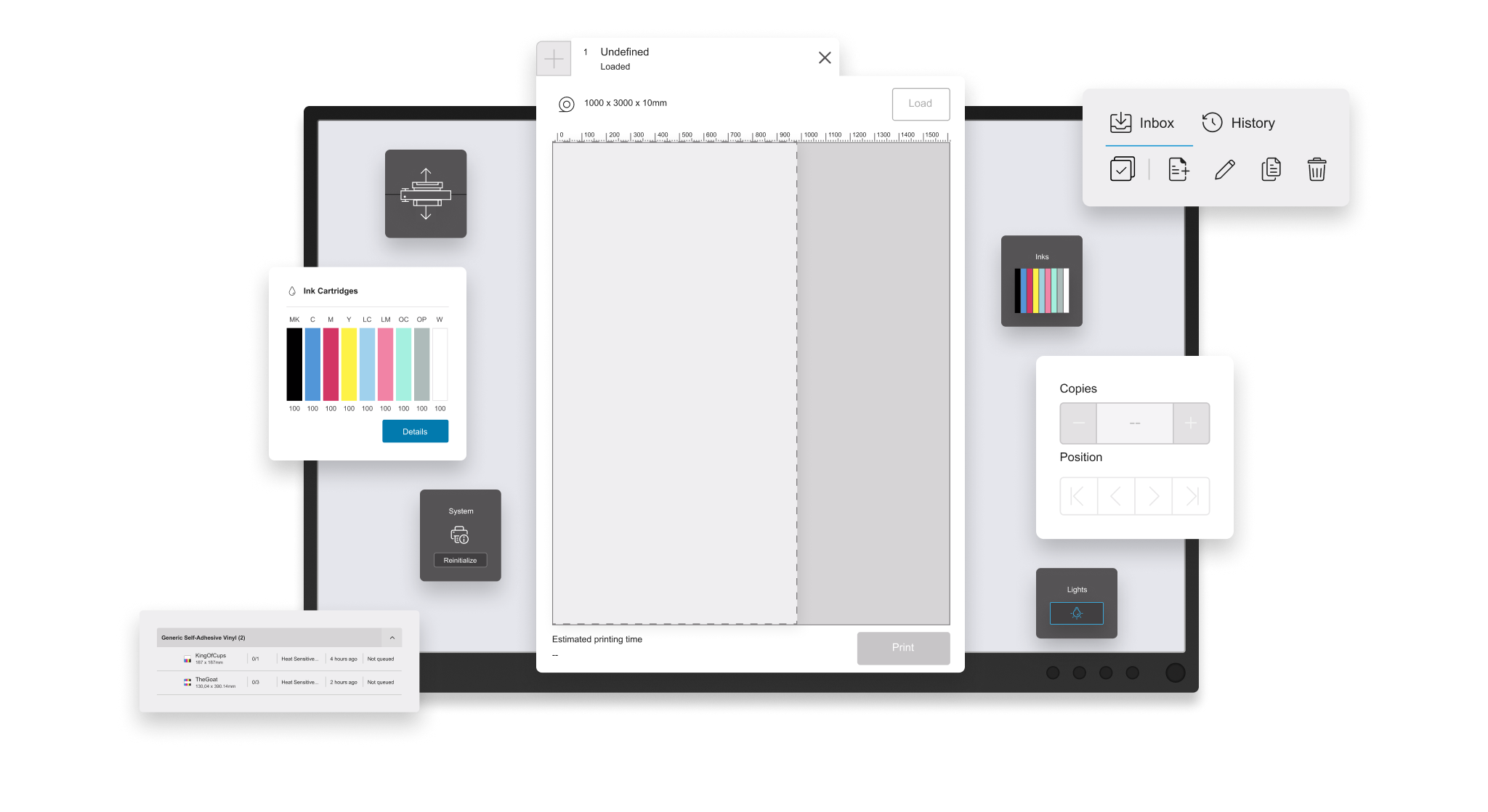
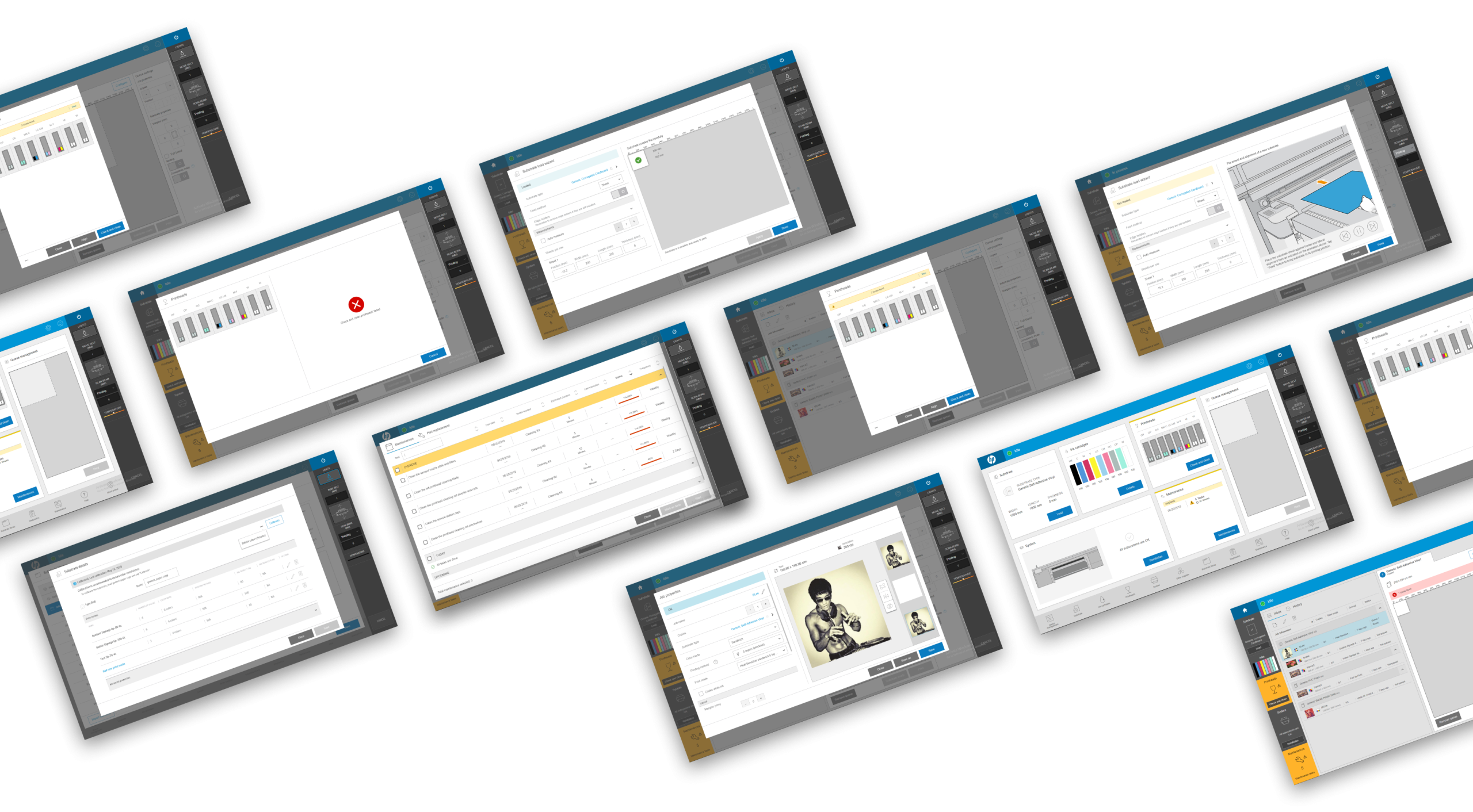
What shipped was a redesigned queue creation flow: file placement on the substrate is now shown clearly as part of the layout, warnings are tied directly to the specific file, setting or substrate causing the issue instead of generic alerts, and the queue view makes it explicit when the printer will continue on its own versus when it needs the operator to step in.
As part of this, I also redesigned several components — and in some cases entire screens — that are reused elsewhere in the printer’s interface, which helped with some of the consistency issues that existed across the product. Substrate estimation, which previously required operators to calculate material needs manually, was reworked as part of the same flow.
Conclusions
Project analysis
Outcome
The core queue creation flow shipped as designed. Some secondary visual updates were rolled out in later waves due to delivery deadlines. After two rounds of iteration, operator feedback was positive — the changes contributed to a 78% drop in queue creation errors, a 42% reduction in setup time, and a 23% drop in related support calls.
Retrospective
With hindsight, I’d have spent more time upfront understanding how operators actually think about queues and substrate — their mental model — before jumping into solutions. That would likely have saved one of the two iteration rounds.